from one trader to another,

Position sizing for MetaTrader 4, MetaTrader 5 and NinjaTrader 8. Drag your stop. Your size is ready.

For forex, gold, index and futures traders. Set your risk once, drag your stop, click execute. SizeOps sizes the trade, commission included, and the stop and target go in with the trade.

No card.

go on, drag the stop.demo · no real money
target +$196 · 2.0R
Buy · market
stop −$98
drag any line, or type below
= $100
0.32lotscommission in · $2.24

Today $0 · $200 of $200 left

Simulated. Nothing is sent anywhere.

Looking for partial take-profits and breakeven? We got you. Try it free for 7 days

Same two steps on every platform

Switching platforms usually means a steep learning curve. SizeOps keeps it simple: the same panel and the same two steps on all three.

Risk per trade 1%.Or a dollar amount. Set it once.
Drag the stop.The size follows it live.
Buy or Sell.The stop and target go in with the trade.
  • No auto-trading. You click, it trades.
  • Only its own trades.
  • Daily limit, built in.
  • Cancel any time. Updates included.

“Is the size actually right for my risk?”

Lots and contracts round down, never over your risk

Sizes come in steps: 0.01 lot on MetaTrader, whole contracts on NinjaTrader 8. If even the smallest size would risk more than you set, SizeOps says “risk too low” instead of rounding up.

Risk you set$100.00
Stop + commission−$99.84
Size0.32 lots
“What about gold, indices and odd contract sizes?”

Your broker's own value per point

Gold, indices and every forex pair size right on your own account, from your broker's own value per point. Futures in contracts on NinjaTrader 8, minis and micros.

XAUUSD · stop 3.050.32 lots
US30 · stop 48 pts2.0 lots
MNQ · stop 11 pts4 ct

“Is it fast enough when price is moving?”

One-click trading with stop and target

Click EXECUTE and the entry, stop and target go in together, market or limit. A trade manager and trade assistant in one: nothing to type in the order window.

1 · drag the stop−3.05
2 · size is ready0.32 lots
3 · entry + stop + targetsent

“Can I plan my exits before I'm in?”

Up to 5 partial take-profits

Set up to 5 partial close levels before you enter, and move them after. Each shows what it closes, pays and leaves running.

PT1 · 1R0.16 · +$49
BE line · 1Rstop → entry
Target · 2R0.16 · +$98

“Will it stop me blowing my day?”

Daily loss limit, checked before every trade

Your safety net for bad days, built in, once you set one. SizeOps checks each new trade before it's sent, cancels its own waiting orders that no longer fit, and never closes a running trade unless you turn on “At the limit: also close open trades”. Every trade on the account counts, manual ones too. How much room is left today? Drawdown calculator

Used today$168
Left today$32
Next $100 tradeover today's limit

“Will it mess with my manual trades or other EAs?”

It only touches its own trades

Your manual trades and other EAs stay yours. On MetaTrader 5 netting it won't trade a symbol holding a position it didn't open.

SizeOpsmanaged
Manualleft alone
Other EAleft alone

“Why not just use my platform's own tools?”

One-click and ATM strategies are great. Here's what they can't do.

MetaTrader's one-click sends the lot you typed; a NinjaTrader ATM strategy trades the quantity you set. Neither sizes from your risk and your stop, and neither counts your commission. Trade the same size every time? Keep the built-in tool. Honestly.

Size from your riskSizeOps
Commission in the sizeSizeOps
Same size every timebuilt-in

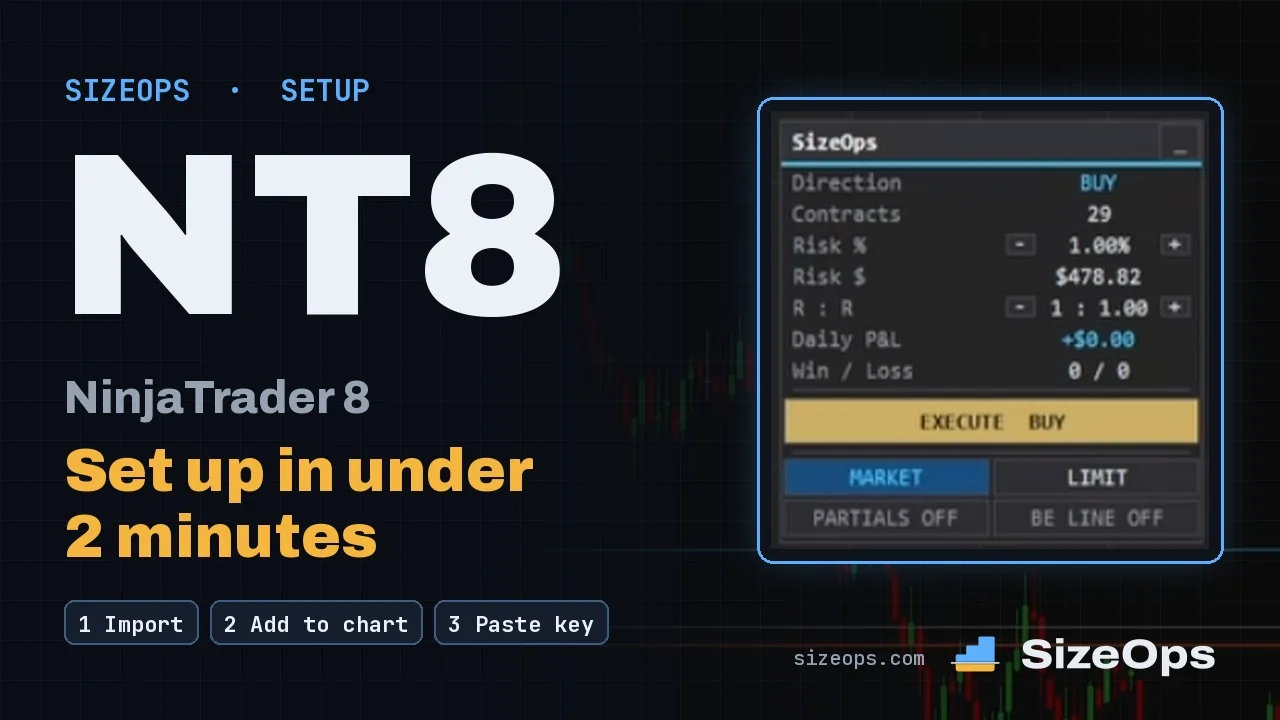
“Does it fit how I use NinjaTrader?”

Floats on your chart, so your chart can go full screen

Works with Chart Trader too: rather use it? SizeOps fills its quantity box instead. Your choice.

Floating paneldefault
Chart Traderquantity filled in
MNQ · $300 risk10 ct

your platform,

Everything above, on yours. Pick it:

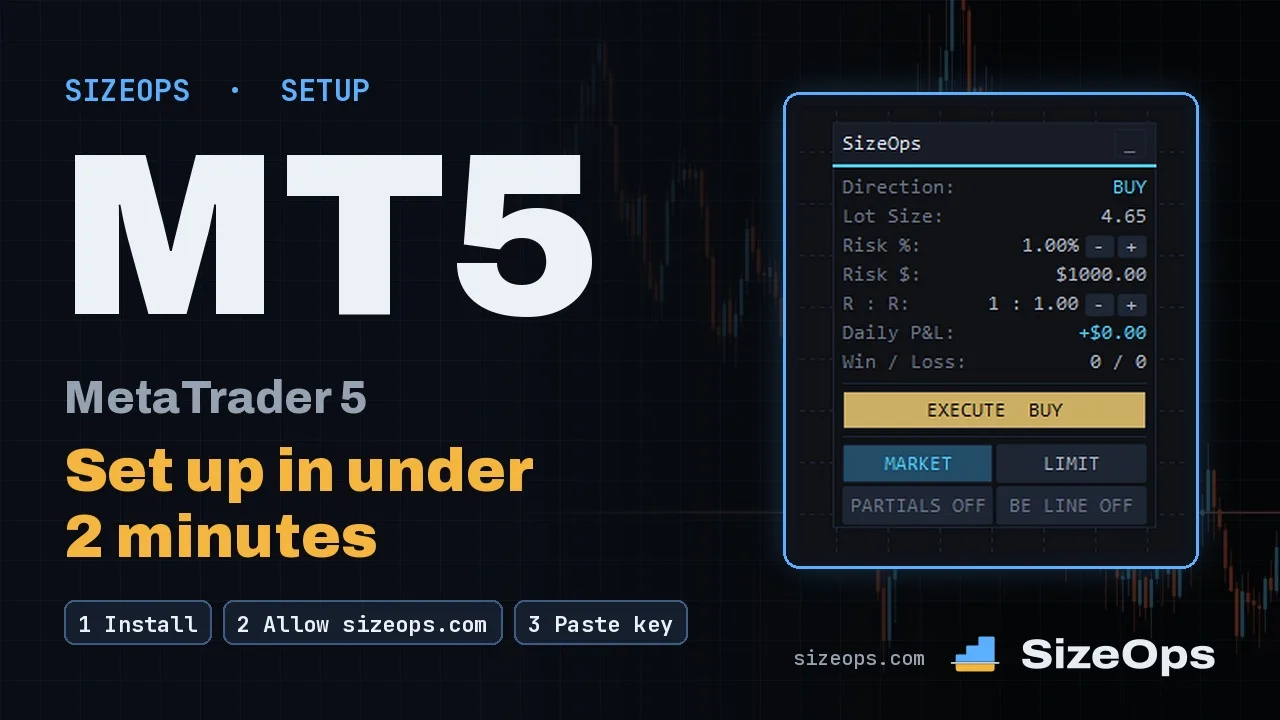
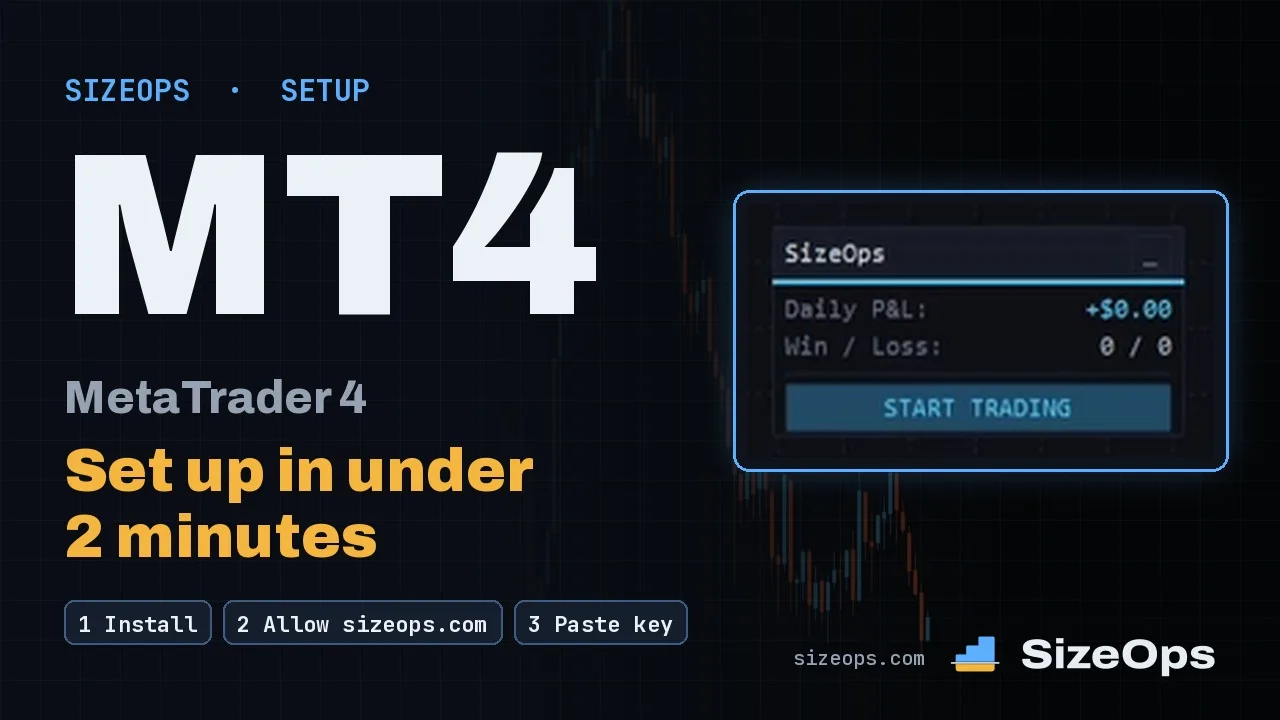
Lot size calculator and trade manager for MetaTrader 4 and MetaTrader 5

Position sizing for forex, gold and indices. Drag the stop and the lot size follows, rounded down to 0.01 lot; one click sends the trade with its stop and target.

Lot size updates live as you drag the stop

A risk calculator on your chart: drag the stop and the lot size updates live. Risk a percent of your balance or equity, or a dollar amount.

Move the stop loss to breakeven at your level

Auto breakeven where you want it: drag the BE line and switch it on. When price gets there, your stop moves to entry plus costs.

BE line at +1.0R
Switch: on
Price gets there → SL to breakeven

Add to a position: each trade keeps its own lines

Adding to a position? Each trade keeps its own lines (hedging accounts). Move BE or take partials on one trade, or on all of them.

Trade 1 · 2.00 lot · BE on
Trade 2 · 1.00 lot · its own lines
Partials: one trade, or all

Install the EA in three steps

Sign up

Start a free trial (just your email, no card) or pick a plan.

Add your MetaTrader account

The account number you'll trade. Your key and the download are right there after.

Allow WebRequest, paste the key

Allow https://sizeops.com in MetaTrader's WebRequest list, drop SizeOps on a chart with trading allowed and paste the key. Done.
Watch the setup video

SizeOps vs MetaTrader One-Click Trading

One-Click Trading is free, built into MetaTrader and fast: one click sends the lot you typed. Trade the same lot every time? It's enough. SizeOps works the lot out from your risk and your stop, commission included, and keeps managing the trade.

SizeOps vs MetaTrader One-Click Trading: SizeOps, MetaTrader One-Click Trading and an online calculator, row by row.
FeatureSizeOpsMetaTrader One-Click TradingAn online calculator
Where the size comes fromYour risk and your stopThe lot you typeRisk and stop you type
Commission counted in the sizeYesNoSome do
Stop loss and take profit go in with the entryYesAdded afterNo
Partials planned before entry, and adjusted afterYesBy handNo
BreakevenYesBy handNo
Daily loss limit checkYesNoNo
Size updates live as you drag the stopYesNoNo
Never rounds up ("risk too low")YesYou pick the lotSome do
Margin check before the orderYesRefused at the serverNo
Take profit from your R:RYesNoSome do
Profit and loss in money and RYesMoney, not RPlanned only
Limit entries sized the same wayYesYesBy hand
Same panel on all three platformsYesMetaTrader 4 and 5Not a panel
  • Heads-up on One-Click: since MetaTrader 4 build 1490, a new one-click position copies the stop loss and take profit of a position already open on that symbol. Otherwise you add them on the chart after the fill.
  • SizeOps lives inside MetaTrader, so a breakeven line, and partial levels added after entry, work while MetaTrader is open.

MetaTrader's help: One Click Trading (MetaTrader 5) · Quick Trading (MetaTrader 4) · Executing Trades (MetaTrader 5) · MetaTrader 4 build 1490 · Trade server return codes.

Built-in risk management

A position size calculator, trade manager and daily loss limit inside your platform. Your broker's commission is counted in everywhere: the size, the target and every dollar figure on your chart.

Works with any broker and account

MetaTrader 4 · MetaTrader 5 · NinjaTrader 8

Any account your platform connects to. PC or laptop: if your platform runs there, SizeOps runs there too. Not on phone apps or web terminals. They can't run SizeOps.

One license key for up to 5 trading accounts

Add accounts any time, up to 5 on one key, on any platform, each with the full SizeOps. Each extra one is $6 a month.

Move your license to a new trading account

Switch it in on your Licenses page. The old account keeps working until the new one connects. +1 switch a week, saved up to one per account on your plan.

1 switch left · +1 weekly
1 waiting · used when it connects
0 switches left · +1 weekly

Risk-reward after commission: 2R means 2R

Commission chips away at every target, so SizeOps builds it in: from your platform, your last trades, or what you type.

MetaTraderNet +$1,995.50 = 2.0R
NinjaTrader 8Net +$1,621 = 2.0R

Want to see it on your own chart first?

Try it free for 7 days on your own account. No card, nothing to cancel. Each platform gets its own trial: MetaTrader 4, MetaTrader 5 and NinjaTrader 8. Questions after your trial? Book a 15-minute call and we'll go through it on your chart.

Questions now? Email support@sizeops.com. We reply within 1 business day.

Not gonna lie, we're new.

We're traders too, and we use SizeOps every day ourselves. We build it, we test it, we fix it. Again and again. Now on v5.33. So don't take our word for it. Try it free for 7 days on your own account, no card.

we reply within 1 business day.

Position sizing FAQ

More in the FAQ

Divide your risk in money by what 1 lot loses at your stop (stop distance × value per point, plus commission) and round down. MetaTrader 5 won't do it for you; with SizeOps you drag the stop line and the lot size is ready. Try the position size calculator →

With SizeOps it goes in with the entry: drag the stop line and click EXECUTE. Without it, you type the stop in the order window or drag it on after the fill.

No. SizeOps floats on your chart, so Chart Trader can stay closed. Like Chart Trader? Set Panel location to Chart Trader and SizeOps fills in its quantity there.

An ATM strategy places your stop and targets with the entry and can move the stop to breakeven. If you always trade the same quantity, that's all you need. SizeOps works the contracts out from your risk and your stop on every trade, commission included, and checks your daily loss limit before each one. See the comparison →

Nope. No signals, no advice, no auto-trading. You decide every trade, and nothing happens until you click. SizeOps sizes it, then manages it the way you set it up.

No. It only manages the trades it opened, on the chart's symbol. Your manual trades and trades from other tools stay yours.

Yes, it can happen, and we'd rather tell you now. SizeOps sizes your position so the planned loss at your stop doesn't exceed the risk you set. Your actual loss can still be larger: spread widening, slippage, price gaps (news, weekends), commissions and swaps, delayed or rejected orders, and platform or connection problems can all make it impossible to exit at your stop.

It sends a trade in one click at the lot you typed. If you always trade the same lot size, that's all you need. SizeOps works the lot out from your risk and your stop on every trade, commission included, and sends the stop loss and take profit with the entry. It also plans partials and breakeven and checks your daily loss limit. See the comparison →